Download the Famous Browser from Tech Giant Google: Google Chrome for Windows — Latest Release
The Best Free Browser from Google
Google Chrome for Windows and Mac is a free web browser developed by the internet giant Google. Chrome is designed to provide its users with a fast and easy browsing experience, which is why its user interface is fairly clean. Google has made efforts to make its browser secure through excellent settings and built-in tools and information for managing cookies.
What Are the Main Reasons to Install Google Chrome?
A computer can have multiple browsers at the same time. This means you do not have to delete Explorer when installing Google Chrome on your computer. In fact, advanced users use different browsers for different reasons.
Google Chrome is the best choice for internet users who have a Windows PC and meet one of the following criteria:
- Slow internet connection.
- They need an up-to-date browser.
- They are not tech-savvy.
Speed
Google Chrome is one of the fastest browsers on the market, if not the fastest. There are several reasons for this:
- The simplicity of its interface, with just a little more than the bare minimum, means it consumes very little RAM.
- Even if extensions and plug-ins are installed, they are not loaded when a page loads, so the user does not need to wait.
- It uses the latest JavaScript engine available at all times.
- It has a DNS prefetching feature that improves the loading speed of various web pages. It relies on Google’s servers to achieve this.
Automatic Updates
Google Chrome does not rely on the user to get updates — it simply updates itself. Whenever Google releases a new update, which it does frequently, it installs the corresponding files. As a result, many users do not know which version of Chrome they have installed. To find out, simply click the wrench icon in the upper right corner.
Protection
Updates always include an updated version of the malware and phishing databases, so users will see a warning each time they navigate to one of the listed websites. Security and privacy are among the key features of this browser.
Customizable Homepage
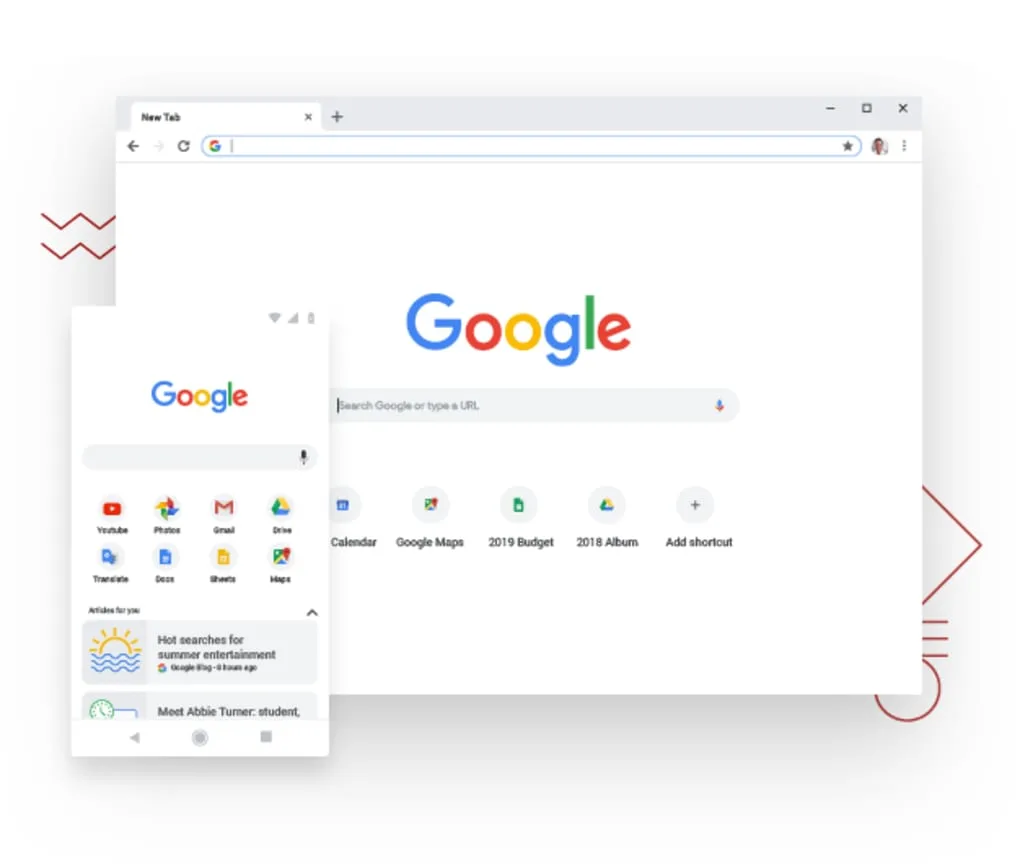
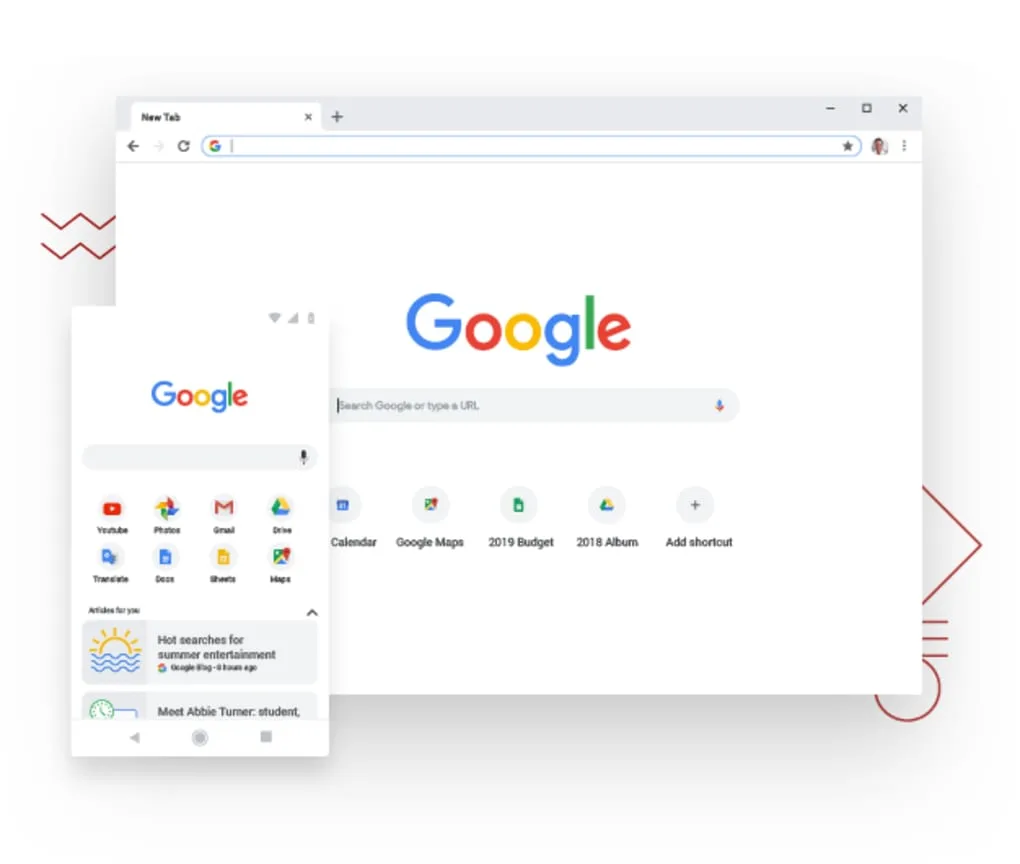
Users can customize the homepage that Google Chrome displays when the browser is opened. There are two options:
- Thumbnails of the most visited websites that work like shortcuts and can be changed according to your own preferences.
- Icons of pinned applications.
Bookmarks Bar
A yellow star in the upper right corner, next to the wrench, allows users to save web pages they visit. These can be stored in the bookmarks bar or in a structure designed by the user, hierarchically or otherwise. The bookmarks bar can remain visible or hidden.
Google Chrome Extensions
One of the greatest advantages of Google Chrome for Windows is the variety of extensions it offers. These extensions are applications that the user decides to install in the browser. The decision is personal and depends on the needs or interests of each user. Google Chrome installs three of them by default: Google Search, Gmail, and YouTube.
There are extensions of all kinds, from games to social networking tools and utilities. Although most are free, some are paid or have paid versions. Below is a link to popular add-ons we recommend.
It is important to install only the necessary extensions so as not to affect browser performance.
Google Chrome and Its Relationship with Google
Chrome is called Google Chrome for a reason. It is Google’s browser and is designed to optimize searches. The search engine is one of the three extensions that appear in the default start window, and to perform a search, users simply type their search terms into it and press Enter.
Data Sync and Google Services
Google offers all kinds of services — from email via Gmail to Google Maps and the YouTube social network. If you use any of them, the browser allows you to sync them all to log in at the same time.
This sync saves bookmarks, extensions, preferences, and themes to the cloud. This means they will be available on any device when you sign into Google Chrome.
Incognito Browsing in Google Chrome
Like other browsers, Google Chrome allows browsing without tracking. In this browsing mode, the program does not track or save data from the pages visited.
Avoiding tracking means cookies are not saved, for example, so users receive fewer ads. The option is disabled by default. To activate it, go to the configuration menu (wrench):
- Show advanced options
- Select “Send a” Do Not Track “request with your browsing traffic.
Multiple Profiles in Google Chrome
One of the reasons for Google Chrome’s popularity is how easy it is to create multiple profiles.
Profiles, simply put, are different sections of the browser where users can store their bookmarks, browsing history, and so on. It is a good idea to have multiple profiles if you share your computer. This means each user can have their own profile and access their own data.
Creating multiple profiles in Google Chrome can be useful even with just one user. It allows you to manage different accounts on social networks and keep professional web activity separate from personal activities, etc.
Conclusion
Installing Google Chrome comes with some advantages that far outweigh its disadvantages. Chrome is your browser if you are looking for a fast, secure, and easy-to-use web browser. With its extensions, you integrate features into it, almost like modules, in a very straightforward way.
And now we get to the Download
First — X64:

Or
Second — X86:
Or
And with that, my friend, we have successfully completed the mission