Is Microsoft Defender Enough to Protect Windows 11?
Built-in Security That Changes the Rules of Protection
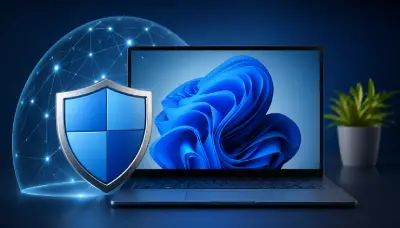
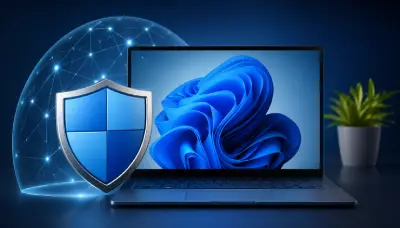
Microsoft has confirmed that Windows 11 offers a comprehensive security experience without the need for third-party protection software in most cases. This is due to the system's reliance on Microsoft Defender as a built-in solution that operates with high efficiency, alongside a modern security architecture that includes encryption, virtual isolation, and kernel protection. Thanks to this integrated system, Windows 11 has become — according to the company — the most secure version among all its releases to date.
Real-Time Protection Against Common Threats
Furthermore, Microsoft Defender provides real-time protection against a wide range of threats such as viruses, ransomware, and phishing websites. It also relies on continuous updates and a regularly refreshed database, which helps detect new threats quickly. By keeping the system updated and enabling default settings, users get a strong level of security without any complexity.
SmartScreen: The Intelligent Line of Defense
On another front, the Microsoft SmartScreen feature plays an important role in strengthening protection. It analyzes links and files before they are opened and compares them against an updated cloud-based database. As a result, the user is immediately warned when attempting to access a suspicious website or download a malicious file, significantly reducing the chances of being compromised.
Deep Integration with the System and Better Performance
In addition to that, Microsoft Defender stands out for its full integration with Windows 11, making it lighter on device resources compared to external programs. This means more stable performance, especially on mid-range devices. In contrast, some other protection programs may lead to excessive memory and processor consumption, and may even cause conflicts that affect system efficiency.
When Do You Need Additional Security Solutions?
However, this solution cannot be generalized to all users. Professionals, business owners, or those managing multiple devices may need additional features such as identity monitoring, parental controls, and remote device management. Work environments also typically require more advanced security solutions that support centralized monitoring and professional-grade threat analysis.
Important Warnings Before Installing External Programs
On the other hand, Microsoft advises users to think carefully before installing any additional protection software. Running more than one program at the same time may lead to unexpected behavior, a drop in performance, and may even reduce the level of protection rather than increase it. Therefore, it is preferable to rely on a single solution that works efficiently.
Conclusion: A Balance Between Security and Performance
In the end, Microsoft clarifies that Microsoft Defender provides sufficient protection for the majority of users when used correctly. Nevertheless, choosing the right security solution remains tied to the nature of your usage and your needs. If you are an everyday user, you will generally not need more than the built-in tools, but if you are looking for advanced layers of security, it may be worth considering additional solutions — but with caution.