The Best 11 Applications on Windows 11 for 2022:
Getting Started:
"Microsoft" launched its "Windows 11" operating system last year,
making it the latest version of the beloved and most widely used operating system in the world.
In this release, Microsoft focused on developing an integrated ecosystem for its devices and services alongside Windows 11,
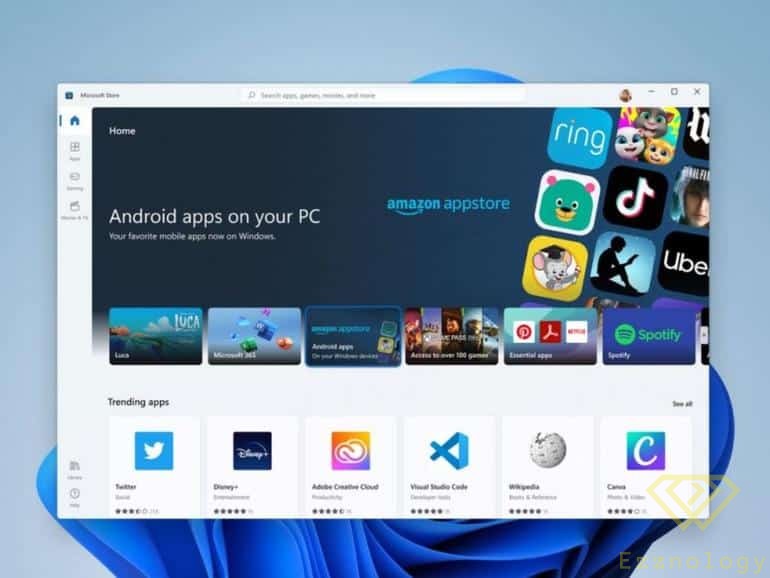
in a better way, and therefore improved many of the services available within the system, such as the app store,
as well as supporting most Android applications.
In this article, we will present a selection of featured and diverse programs and applications,
available in the Microsoft app store that can enhance your Windows 11 experience.
Programs and Applications:
1- "EarTrumpet" Program:
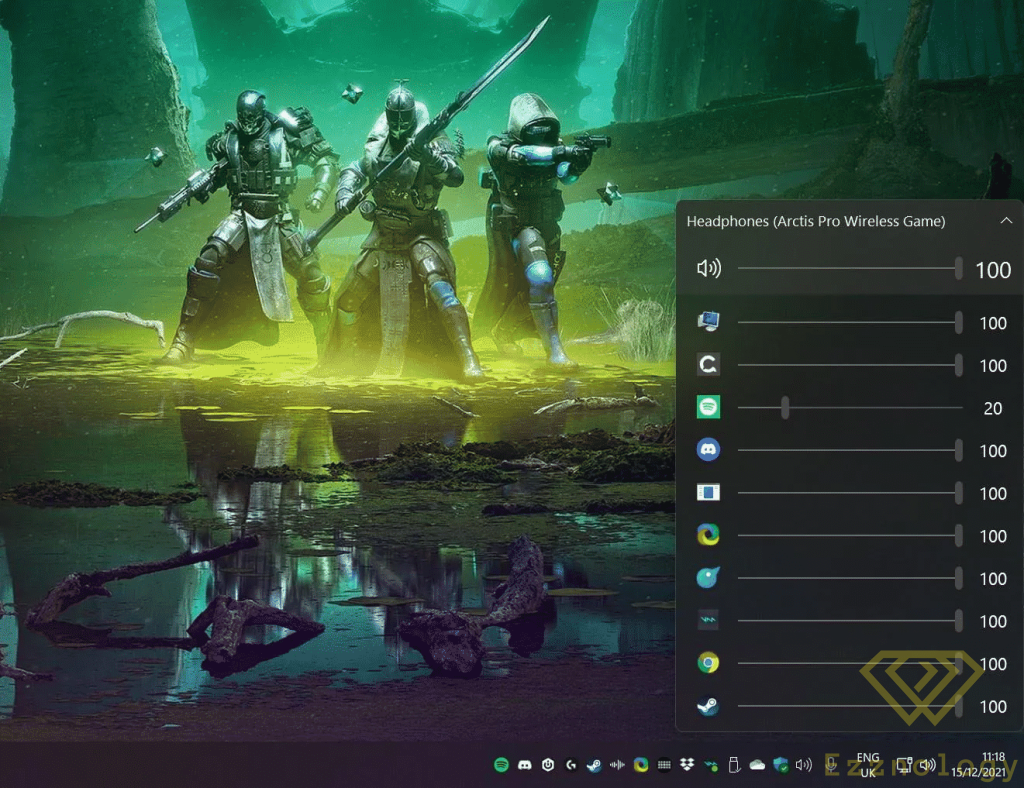
Some may find that the audio control panel in "Windows 11" is somewhat limited and does not offer many options,
and this is where "Eartrumpet" comes in to solve that problem.
This application provides a large and advanced set of various options that help you control
the volume level of apps running in the background of Windows 11,and you can through this application control the audio input and
output devices for each application individually, meaning it will allow external speakers to work simultaneously with headphones
that are running a different application.
You can download and use the application directly from the control panel next to the clock.
The application is available for free on the store and can be downloaded from here
2- "Tweeten" Application:
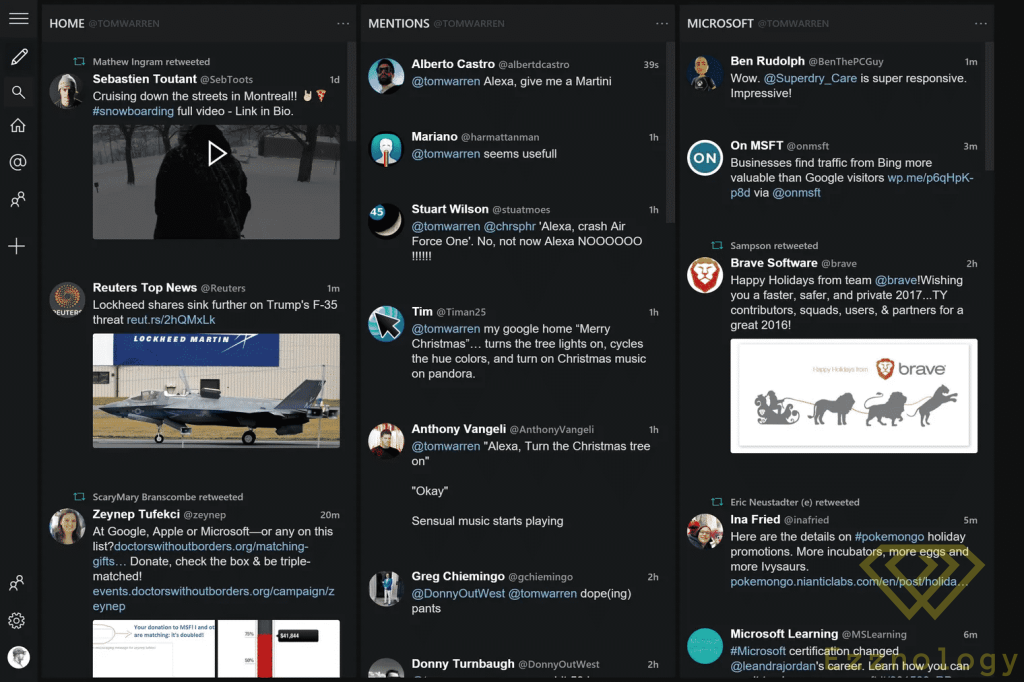
Generally, Twitter does not have its own dedicated application available in the Windows app store,
so fans and followers of the platform would need to use the website only,while at the same time the popular "TweetDeck" application
is also unavailable for Windows. This is where the "Tweeten" application comes in as a solution to this problem,
as it provides a "Tweetdeck" interface but one that is better suited for Windows 11.
You can also fully customize your use of this application in "Windows 11" to suit your needs,
by managing notifications and many other settings that work for you.
The application is free and can be downloaded directly from the store by clicking here
3- "Feedlab" Application:
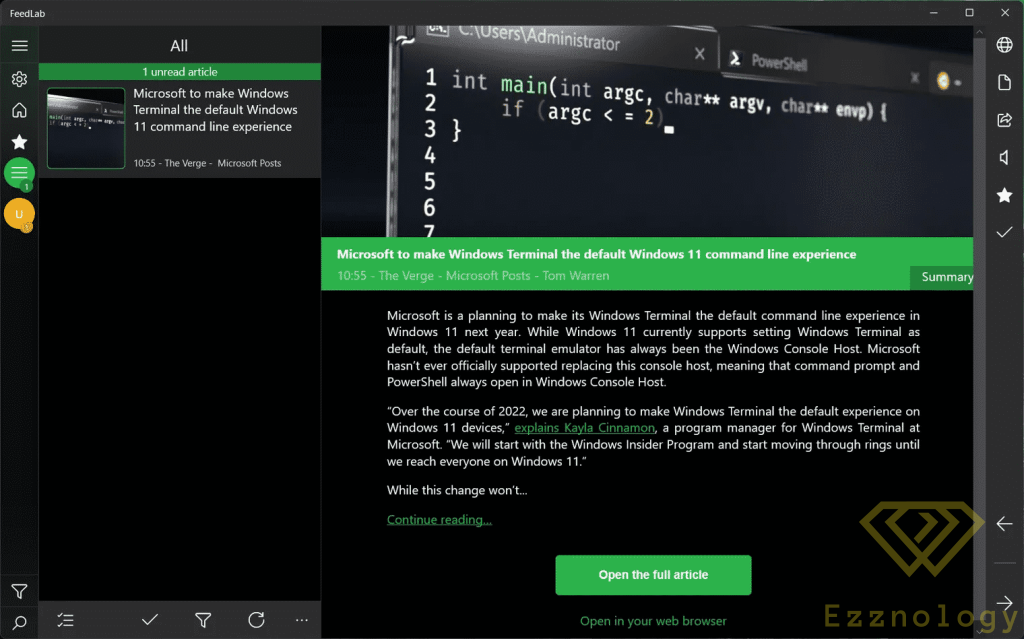
Windows 11 features a large selection of news aggregator applications that rely on "RSS" technology,
but "Feedlab" stands out as one of the most customizable applications for managing news feeds as well.
This application also receives many continuous updates, so you won't have to worry about support being dropped or the app being removed from the store.
You can also remove the ads that appear while using the application by supporting it with a small one-time payment,
after which the ads are removed from the application on your account.
The application is available to use and download from the store here but as I mentioned, it contains many ads, and I have explained how to remove them.
4- "PowerToys" Tools:
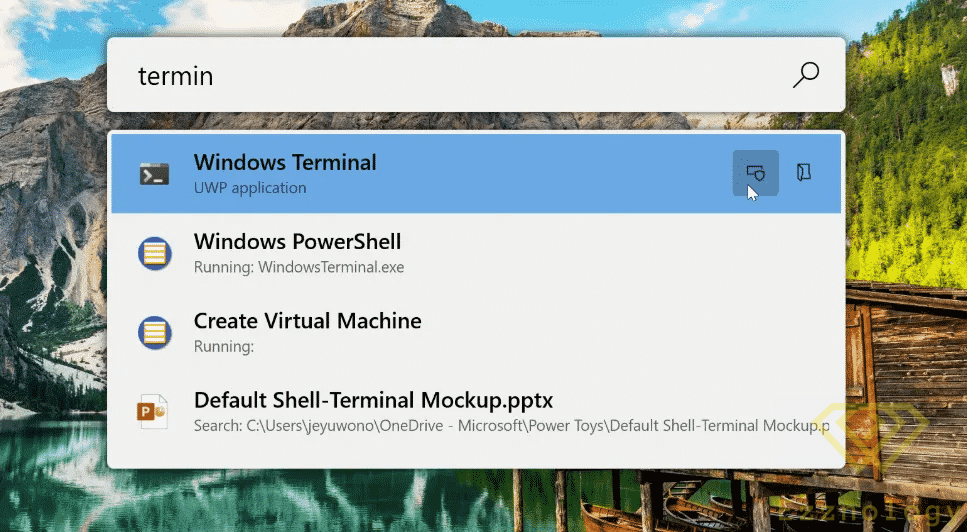
These tools are officially developed by Microsoft
to provide many options, settings, and customizations for power users.
They naturally add many different features to the operating system that sometimes make it resemble "macOS" in certain respects.
There are also other more advanced tools available for doing that.
*Warning* Do not tamper with these tools if you do not have the necessary expertise to do so.
You can download these tools via the store from here.
5- "Onenote" Application:
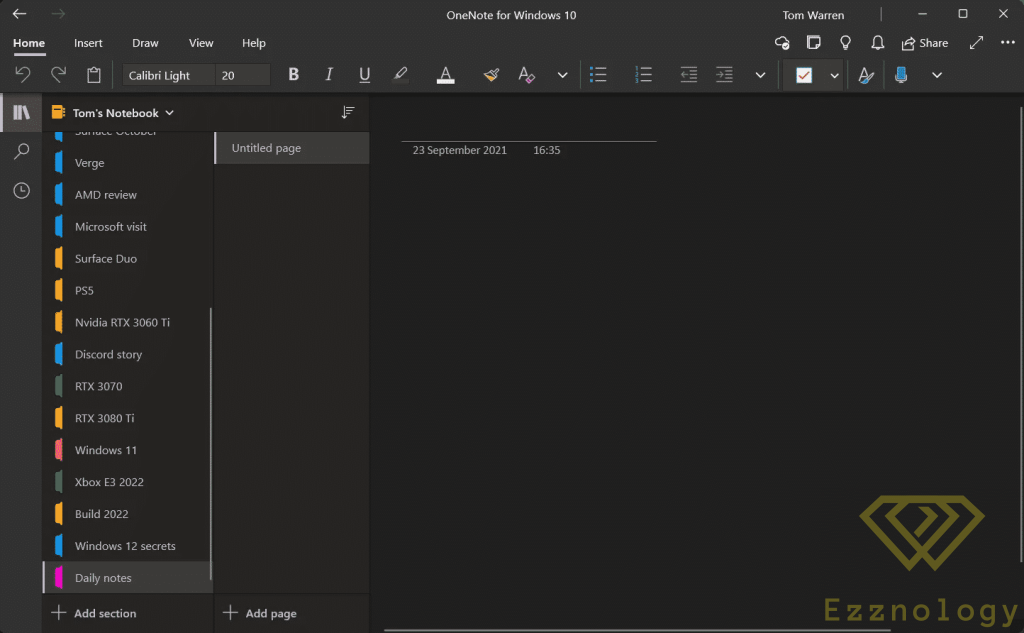
Many of us need a suitable application for taking notes and reminders, recording them, and sharing them across different devices.
This is where the "Onenote" application comes in — it is a practical and attractive app that provides this feature in a functional and easy way.
Through this application you can share notes between your phone, tablet, and other devices.
This application also supports writing notes using a stylus pen on tablet devices,
making it very suitable for students and anyone who needs to take notes or write regularly.
The application is free and you can download and use it on various devices and systems from here .
6- "Adobe Photoshop Express" Application:
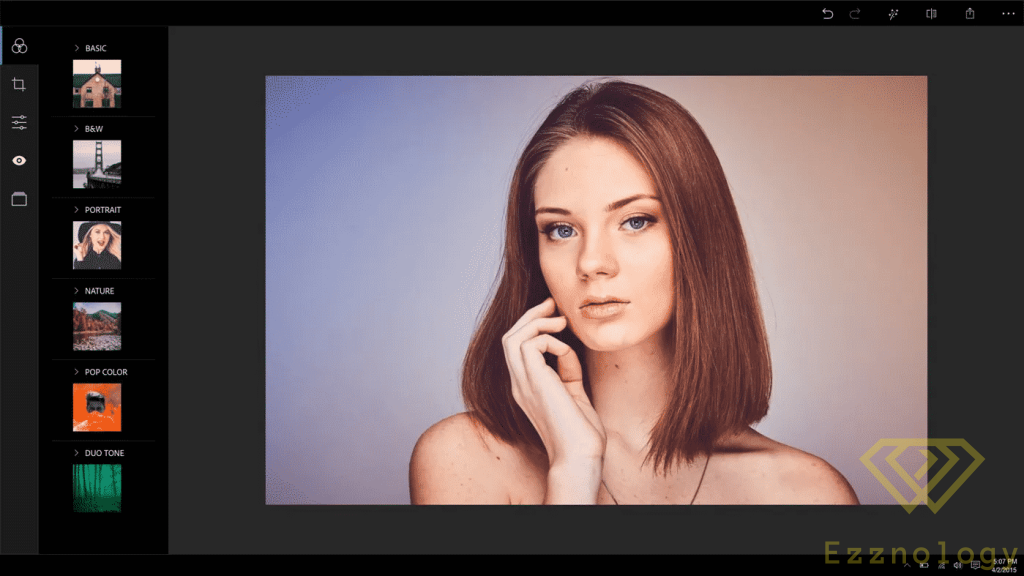
"Photoshop" is one of the most important computer applications when it comes to enhancing or editing photos.
The program offers many important features for professionals, and the company also provides a free version with fewer features for casual use,
which you can download from here, although it certainly does not offer all the features of the full version.
7- "ShareX" Application:
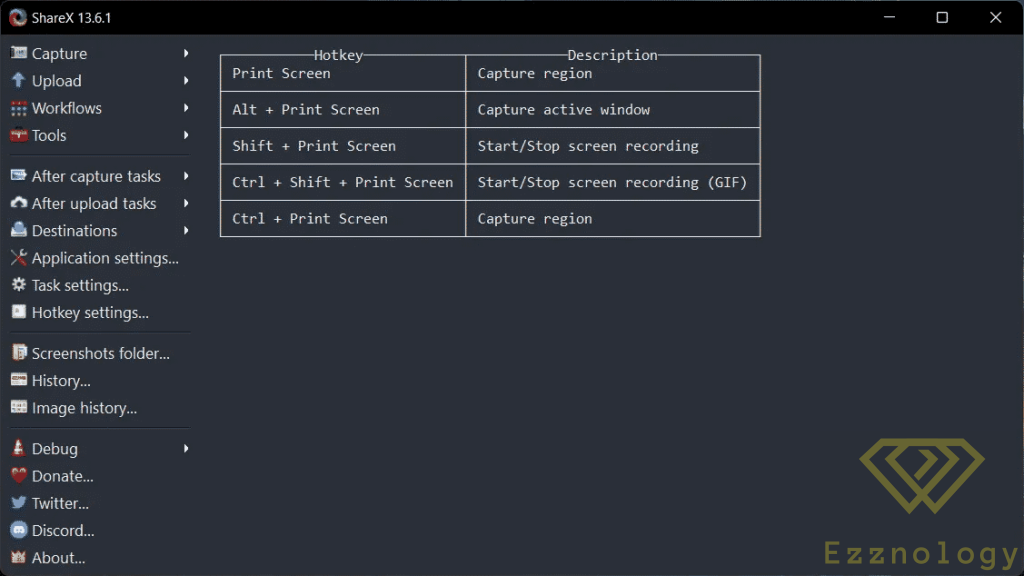
"Windows 11" has a built-in screen capture tool,
but like other built-in tools, it is somewhat limited in terms of capabilities.
The "ShareX" application can replace these tools and provide you with many varied and diverse features,
which in turn will give users more capabilities than usual with the screenshots they capture.
This application also allows you to capture video recordings of the screen as well as animated GIFs if you wish,
and it includes options for editing images directly within the application as well.
The application is free and you can download it from here .
8- "Quicklook" Application:
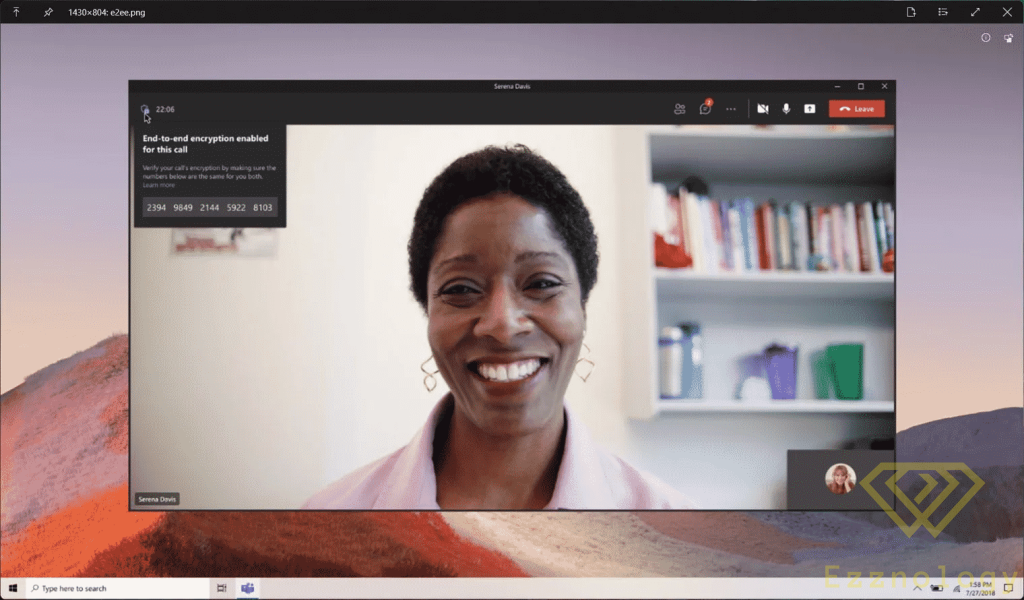
This great application lets you preview your various files, images, and video clips directly within the application,
without needing to open them.
This feature is also one of the most beloved features available in the "macOS" operating system, cherished by many users of that system.
The application works easily by pressing the spacebar on the keyboard, and you can also open files in the usual way.
You can download the application for free from the store by clicking here .
9- "Start11" Application
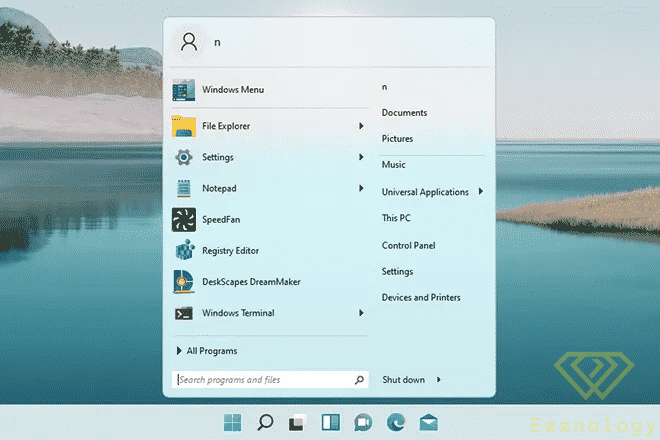
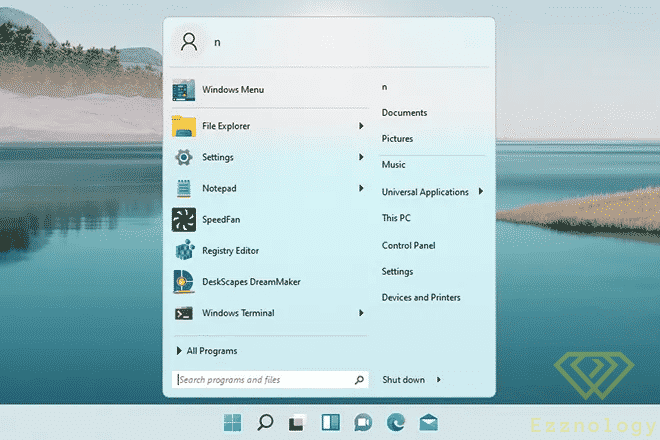
Many Windows 11 users have trouble with the shape of the new Start menu, and this is where the well-known company "Stardock" comes in.
You can use this program to adjust the position of the Start bar if you are using more than one taskbar at the same time,
or if you want to restore the old appearance of the Start bar.
The application is not free and you can download it from here and use it for $6.
10- "Dolby Atmos" Tool for Headphones:
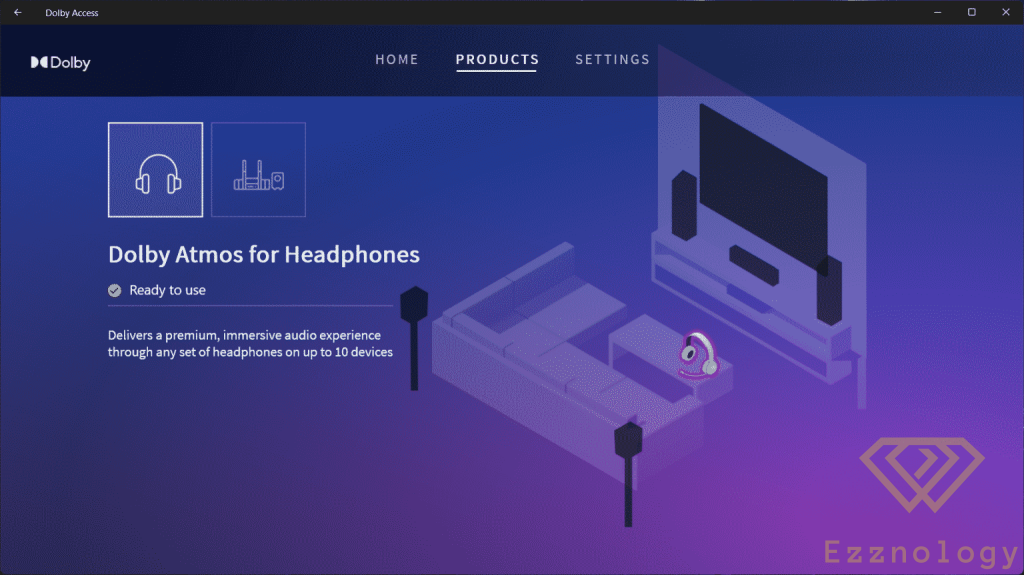
If you are someone who cares about the audio experience within Windows 11, then this program is the right environment for that.
It significantly enhances the system's audio experience.
The application enables the surround sound feature with "Dolby Atmos" technology through headphones that support this feature,
to deliver a premium audio experience. If you purchase the application through the Windows 11 store,
you will also receive it on your XBOX devices.
The application costs $15 and you can download it from here , and you can also try it for free for 30 days.
11- "VLC" Specialized Video Player Application:
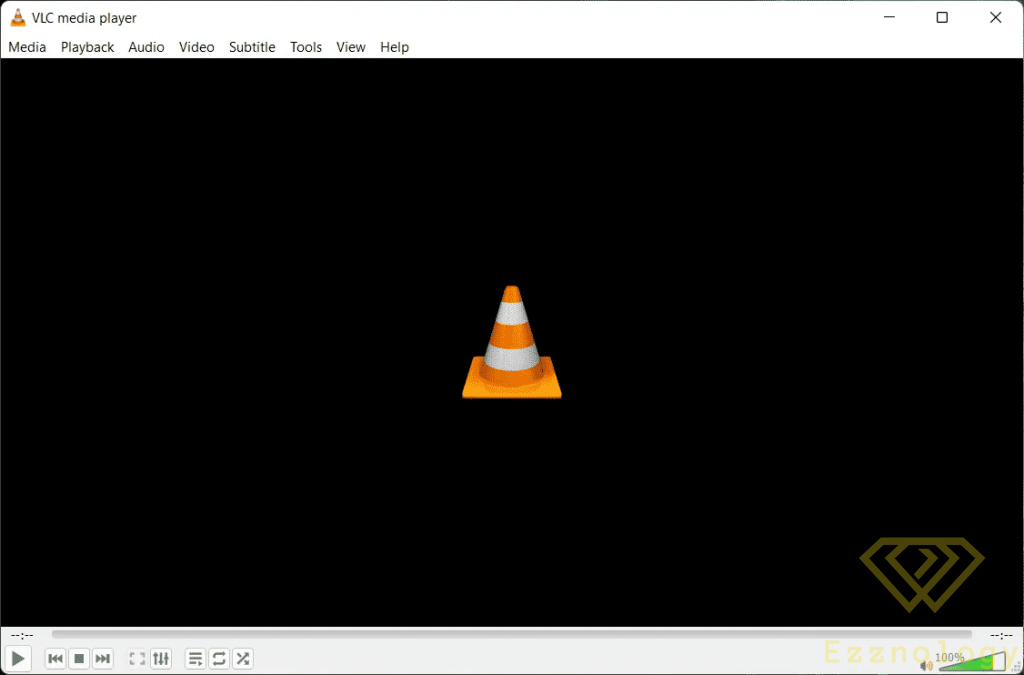
This application is one of the most famous applications and video players available on all platforms and other operating systems.
This application can also play all file types whether audio or video.
It also contains a very powerful engine for playing and searching for subtitles across various subtitle websites in all languages.
This feature is the main reason it is considered one of the most powerful video player applications on Windows 11,
and it is indispensable on any device whether desktop or laptop.
You can download the program from here for free.

To subscribe to our newsletter on Google News click here 👇👇

Or scan the code