Settings You Can Adjust on iPhone to Improve Battery Life
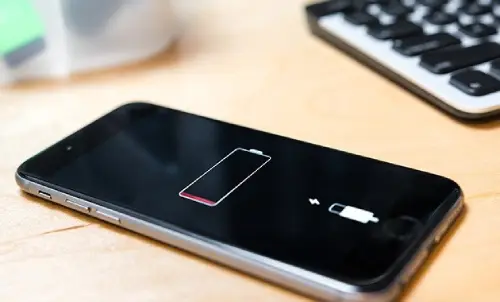
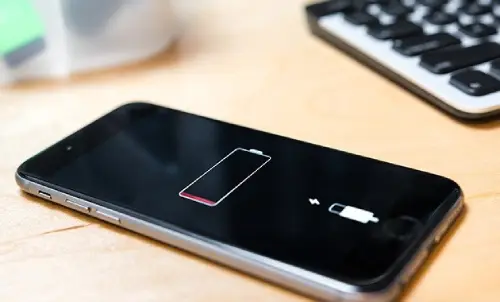
There are many ways that can help improve the battery life of an iPhone. Among these methods, the following can be mentioned:
Enable the Optimized Battery Charging feature: This feature relies on learning battery usage habits and delaying the full charge until the expected time of phone use approaches. This helps reduce the battery's exposure to long periods of overcharging.
Avoid overheating the phone: You should avoid exposing the phone to extreme heat, as high temperatures can affect battery performance and accelerate its deterioration.
Do not fully drain the battery: It is preferable not to allow the charge level to reach zero frequently. Instead, it is recommended to recharge the phone when the battery level is moderately low.
Do not charge the battery beyond 80%: It is preferable not to charge the battery to its full maximum, as overcharging can be harmful to battery life in the long run.
In addition, Apple has added some new features in iOS 16 and iOS 17 to iPhone devices. However, it should be noted that enabling these new features may lead to additional battery drain. Therefore, if you wish to improve battery life, it is recommended to avoid enabling the following features.
Lock Screen Widgets:
All widgets on the lock screen force their associated apps to run automatically in the background in order to continuously update information and access data, such as weather conditions. Because these apps are constantly running in the background due to the widgets, they may continuously drain battery power.
If you want to save battery power on your iPhone, it is recommended to avoid adding widgets to the lock screen. The easiest way to do this is to switch your current lock screen. You can do this by pressing and holding on the lock screen, then scrolling through the available options and selecting a lock screen that does not contain any widgets.
If you want to remove widgets from the lock screen without changing the entire screen, you can follow these steps:
- Press and hold on the lock screen.
- Tap the “Customize” button.
- Choose “Lock Screen”.
- Tap on the widget you want to remove.
- Tap the “-” button to remove it.
By following these steps, you can customize the lock screen and remove the widgets you wish to remove in order to save battery power on your phone.
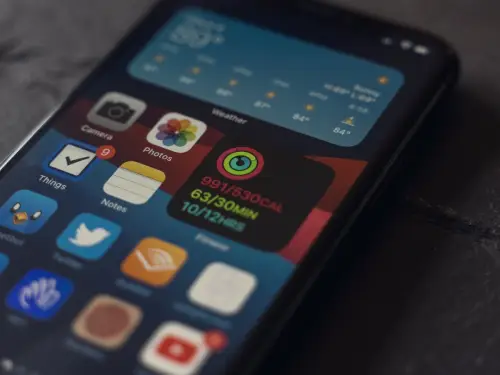
Keyboard Haptic Feedback Feature While Typing:
Apple added a new feature to iPhone in iOS 16 called “haptic feedback”, which causes the keyboard to vibrate while typing. According to Apple, this feature may affect battery life.
On the explanation page for enabling this feature, Apple noted that it may affect iPhone battery life, but did not provide any details about how much power the feature consumes. Nevertheless, if you want to preserve battery life for as long as possible, it is best to keep this feature disabled.
This feature does not come enabled by default, but if you have enabled it and wish to disable it, you can follow these steps:
- Go to the “Settings” app.
- Choose “Sounds & Haptics”.
- Tap on “Keyboard Feedback”.
- Disable the “Haptic” option.
By following these steps, you can disable the “haptic feedback” feature and thereby help conserve battery power on your phone.
And here, dear friends, we have successfully completed the mission ✌
Do not forget your brothers in Palestine in your prayers
With greetings from the #Ezznology team
Find what interests you at 👈#our store
To subscribe to our newsletter on Google News, click here✌👇

Or scan the code

Others Were Also Interested In:
As usual with Microsoft! Copilot Pro coming soon with a subscription!
You Can Now Search by Date in WhatsApp Instead of Wasting Time Searching Through Long Conversations